Context for your selection
With AI context enabled and a compatible provider, paragraph evidence supplements the inherited page context. Your selection remains the translation target; model output can still stray.
CHROME / EDGE · GPL-3.0
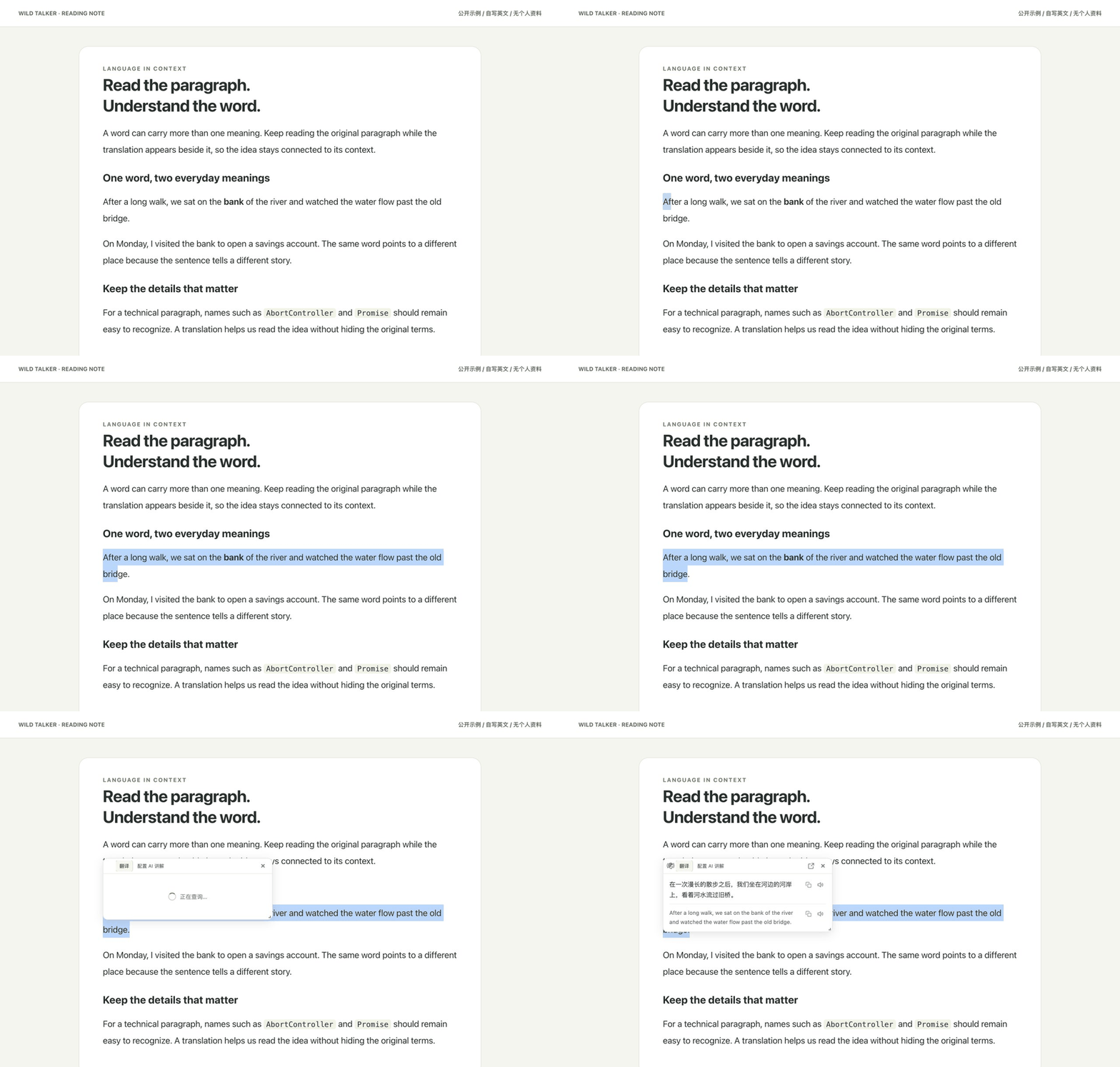
Read foreign-language webpages and documents alongside their translations, and use paragraph context to understand selected text.
Unzip the package, then load the folder containing manifest.json. Version 0.0.38 maps to release tag v0.0.38-wild-talker.1.
Fresh installs default to light. Existing dark/system preferences are kept; choose Light in General settings once if you want to change them. Theme fix & upgrade →
THREE FOCUSED IMPROVEMENTS
With AI context enabled and a compatible provider, paragraph evidence supplements the inherited page context. Your selection remains the translation target; model output can still stray.
Choose natural reading, technical documentation or faithful translation for a configured AI provider. These guide the request; they do not guarantee better accuracy.
When specific formatting checks fail, retry through a simpler request while keeping strict validation. Successful sections remain available; recovery can still fail.
RECORDED WITH 0.0.37
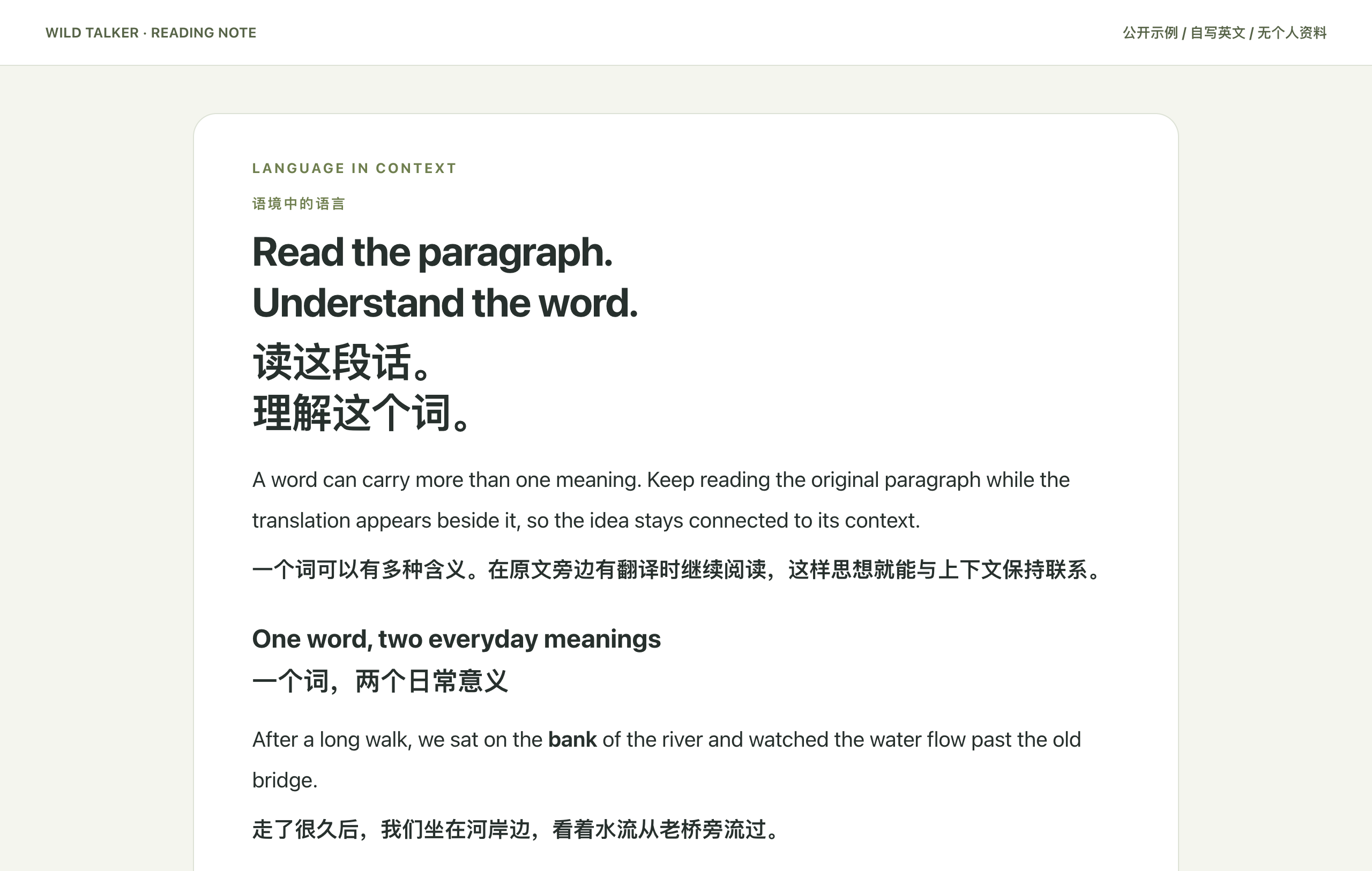
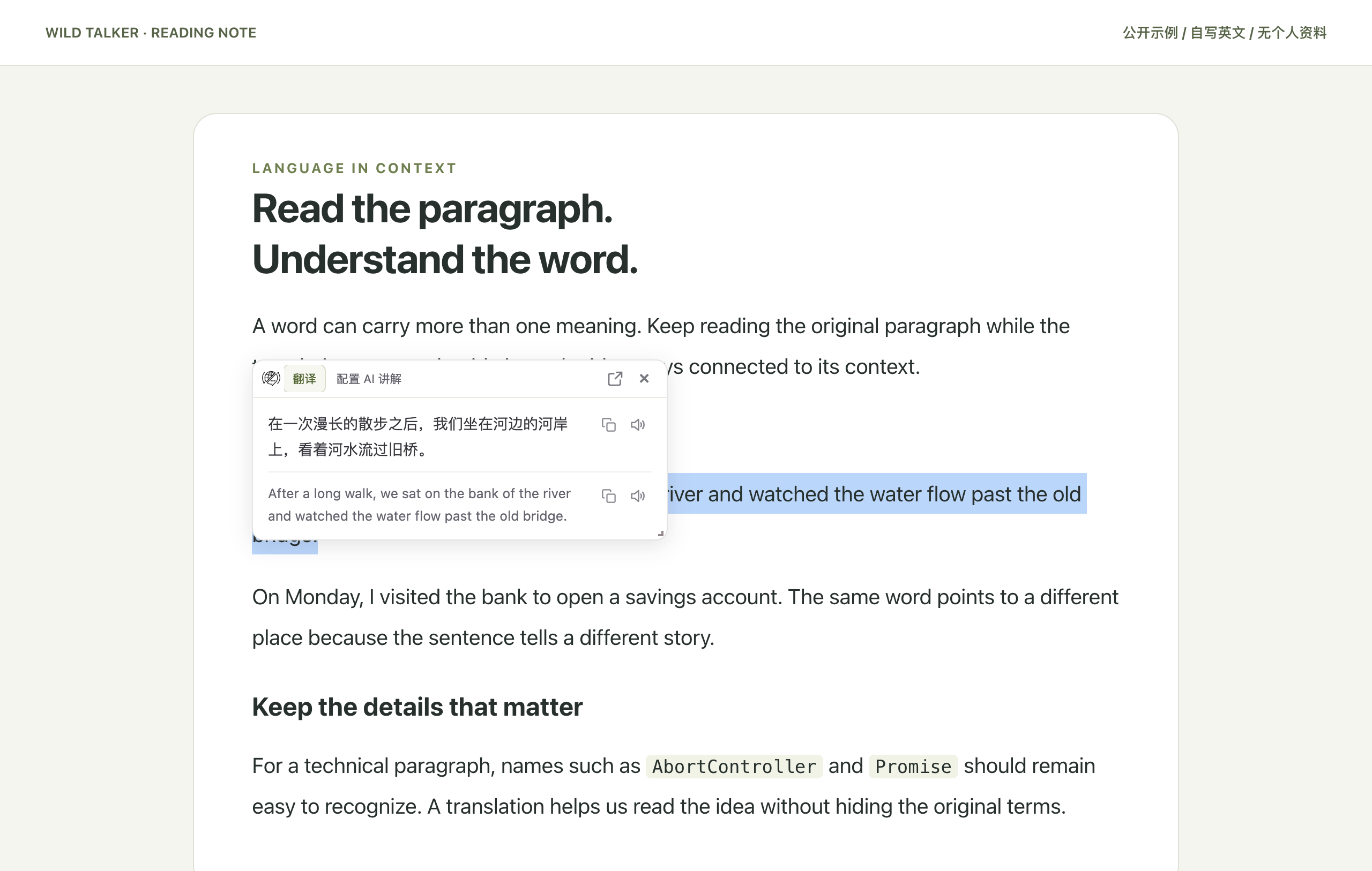
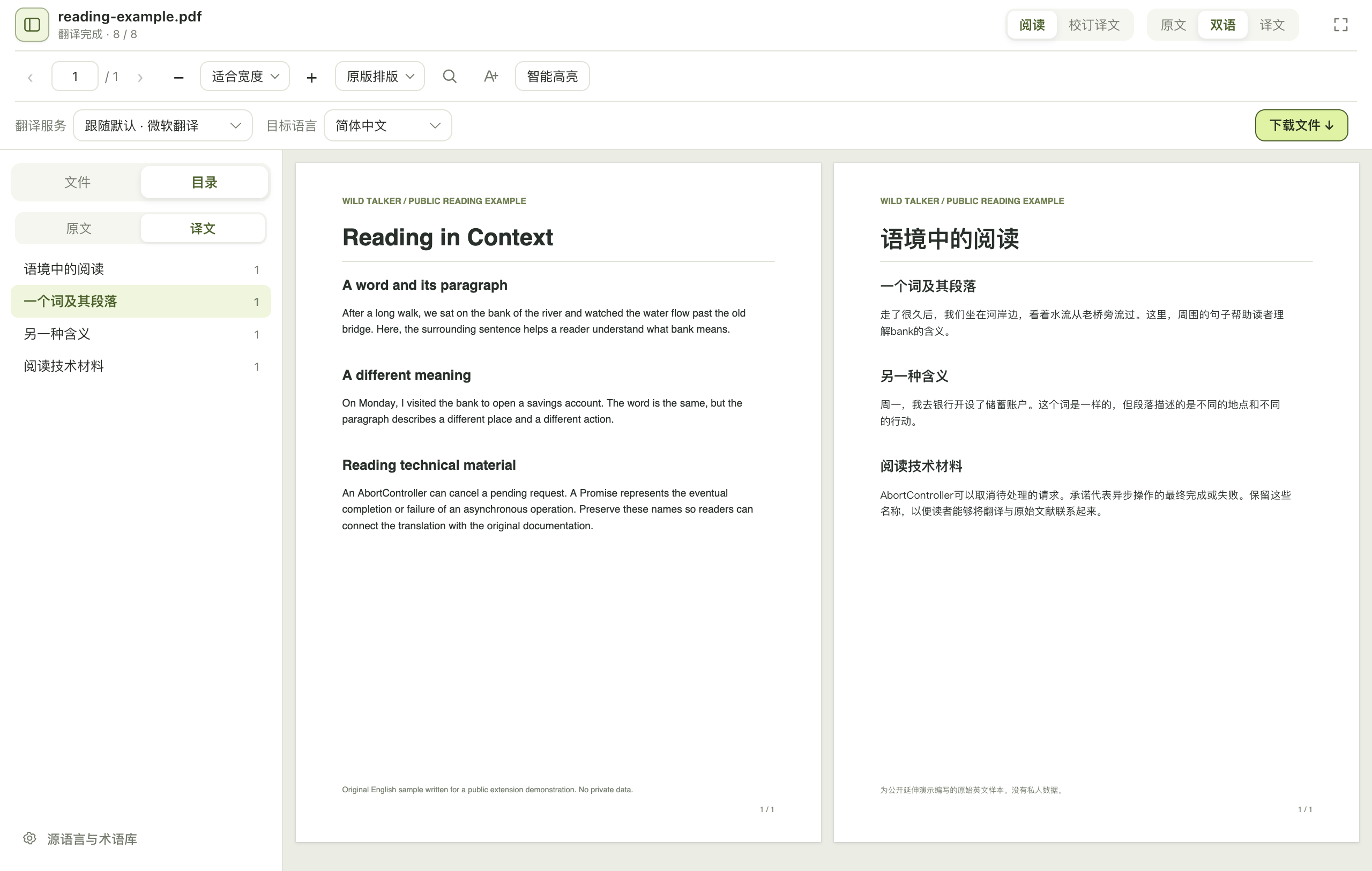
Bilingual display, document parsing and the reading-card foundation come from FluentRead. These screenshots were taken with Wild Talker 0.0.37; they are not a new theme verification for 0.0.38. Older guide illustrations remain labeled as inherited references.
Download → Load extension → Choose a service → Translate. Start with the installation guide rather than configuring every feature at once.